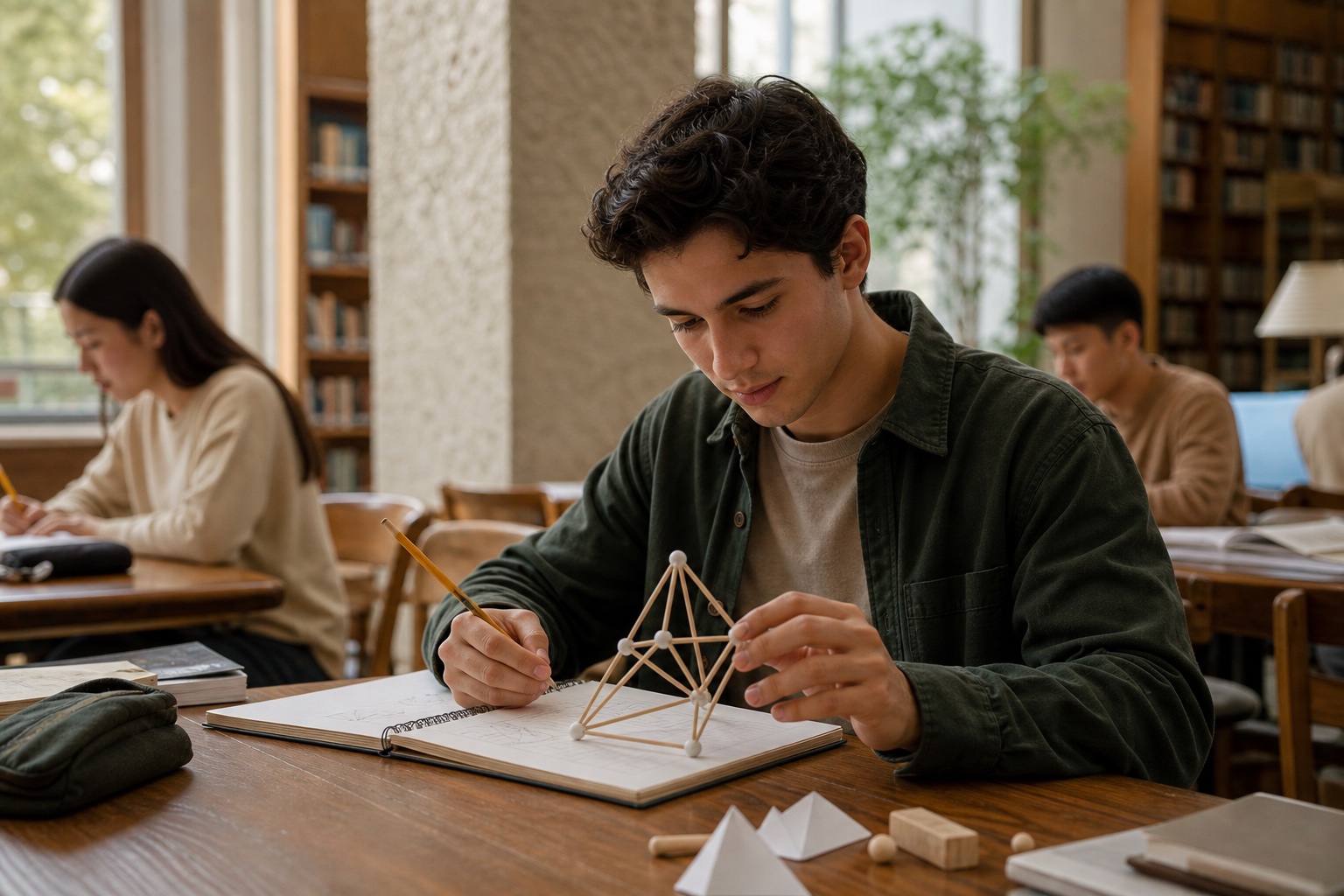
Fictional material. This illustration is not a Clarity app capture and opens no personal file. AI-created editorial photograph.
Everything belongs to the task
From a page number. To a plan.
What was the assignment? When is it due? Keep the subject, description and deadline together. Then move straight into a Focus session or ask Ariadne for help.
Open the assignment without searching through messages.
After mathematics, Lena needs to get to her next lesson. She still wants to remember Friday’s assignment. She captures the instruction, adds the worksheet and checks the details. When she returns later, there is a concrete starting point: she knows what she needs and where to begin.
01
Between lessons
Lena writes: “Maths, page 42, questions 3 to 5 by Friday.” She does not need to organise everything first. Clarity takes her from the instruction to material and a final review. A recognised subject or date remains a suggestion. Lena compares both with what was actually agreed in class and changes anything that is wrong.
02
Keep the worksheet with it
Lena also needs the worksheet for these questions. She adds a photo and checks that the important details are readable. A file or existing Clarity content could serve the same purpose. The material stays with the assignment, giving her a useful place to return instead of another search through apps and unrelated photos.
03
Begin in the afternoon
Before saving, Lena checks the subject, deadline and estimated duration again. In the afternoon, she opens the assignment and begins a related Focus block. Saved time stays connected to that task. After working, she checks her calculations and marks it complete herself. She can follow what she planned and what she actually did.
Fictional person and everyday situation, illustrating the functions described. AI-created editorial photograph.
A closer look
A clearer way to make the first move.
Start with one sentence
Your own words begin the assignment draft. You capture the instruction, then move through task, material and review. Details can be added as you go. The final confirmation creates the assignment. You can hold on to the thought first and then organise what belongs with it at a more deliberate pace.
You can capture the instruction while it is still fresh in your mind.
Check the subject and deadline
Clarity can suggest a subject and deadline from your sentence. You can see both, compare them with the lesson and change them or enter your own. A task can also remain without a subject. You retain the decision while the draft brings the important questions together in the same place.
You keep the context while staying free to correct a mistaken suggestion.
Material in the same context
Photos, files and existing Clarity content can provide material for an assignment. You check the selection and keep what is useful: a worksheet, a text or a Study Card you already created. For a PDF, you can choose relevant pages. The task gains a specific working context to return to.
The instruction and the material you need are easier to return to together.
An estimate for planning
An estimated duration gives the task an initial sense of scale. You adjust the suggested value to your view of the work involved. This can help you decide whether to plan a short first session or allow more time. Later, you can compare that estimate with the time you actually spent.
You can make a more deliberate place for the task in your afternoon.
Review, save and work
The last view brings the draft together for review. After saving, you can begin a Focus session linked to an existing assignment. Saved time then belongs to that task. When the work is complete, you mark it yourself. Planning, work and completion remain steps you can follow and distinguish.
You can distinguish a plan, time spent and an assignment that is really complete.
Your next step
Give your work a place to begin.
Start with the functions included in Free. Compare the plans when you want to go further.

 Quadratic equations.