The whole model does not have to be finished today.
LeaUniversity student
Lea
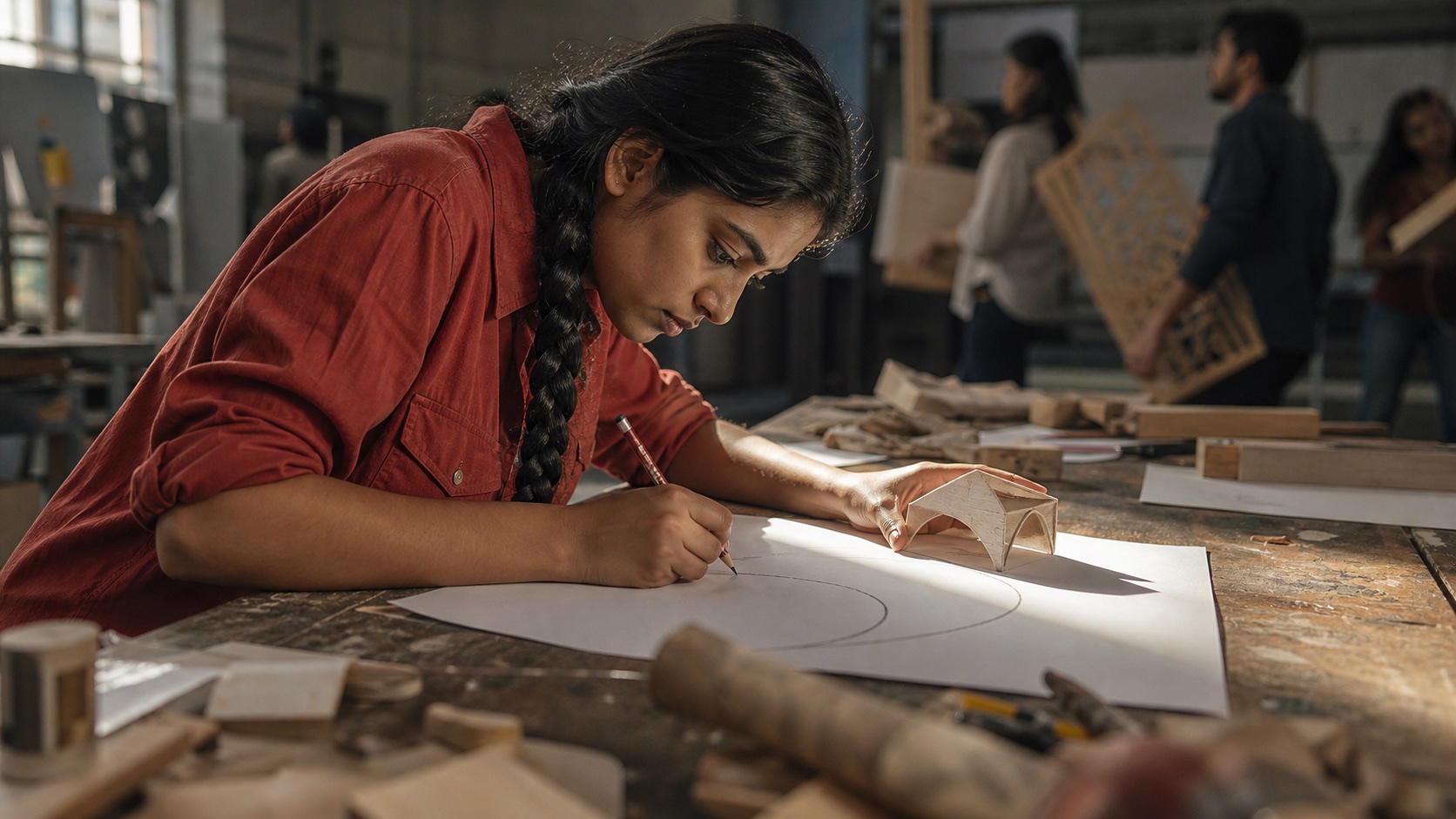
Lea is working on a model for her course. Materials and sketches cover the table, while the next five decisions are already competing in her mind. She wants a manageable start: 25 minutes for the next drawing. This fictional example follows Focus as a deliberately chosen work period and a later look at the sessions actually recorded.
01
One drawing. One work block.
Lea names the next drawing and chooses a 25-minute countdown. For this block, the larger model becomes a specific activity. If she starts from a linked school assignment, its title can come along; for the drawing, she enters her own context. She checks the chosen block and starts when her material and workspace are ready.
02
The material needs an interruption.
Lea needs a tool and pauses her work block. Afterward, she resumes the session. Its relationship to the drawing stays intact as the timer’s status changes. On a supported iPhone, Live Activity can also show the state on the Lock Screen. Lea stays with the activity and can continue controlling the session when a brief interruption is needed.
03
Plan the next block from the record.
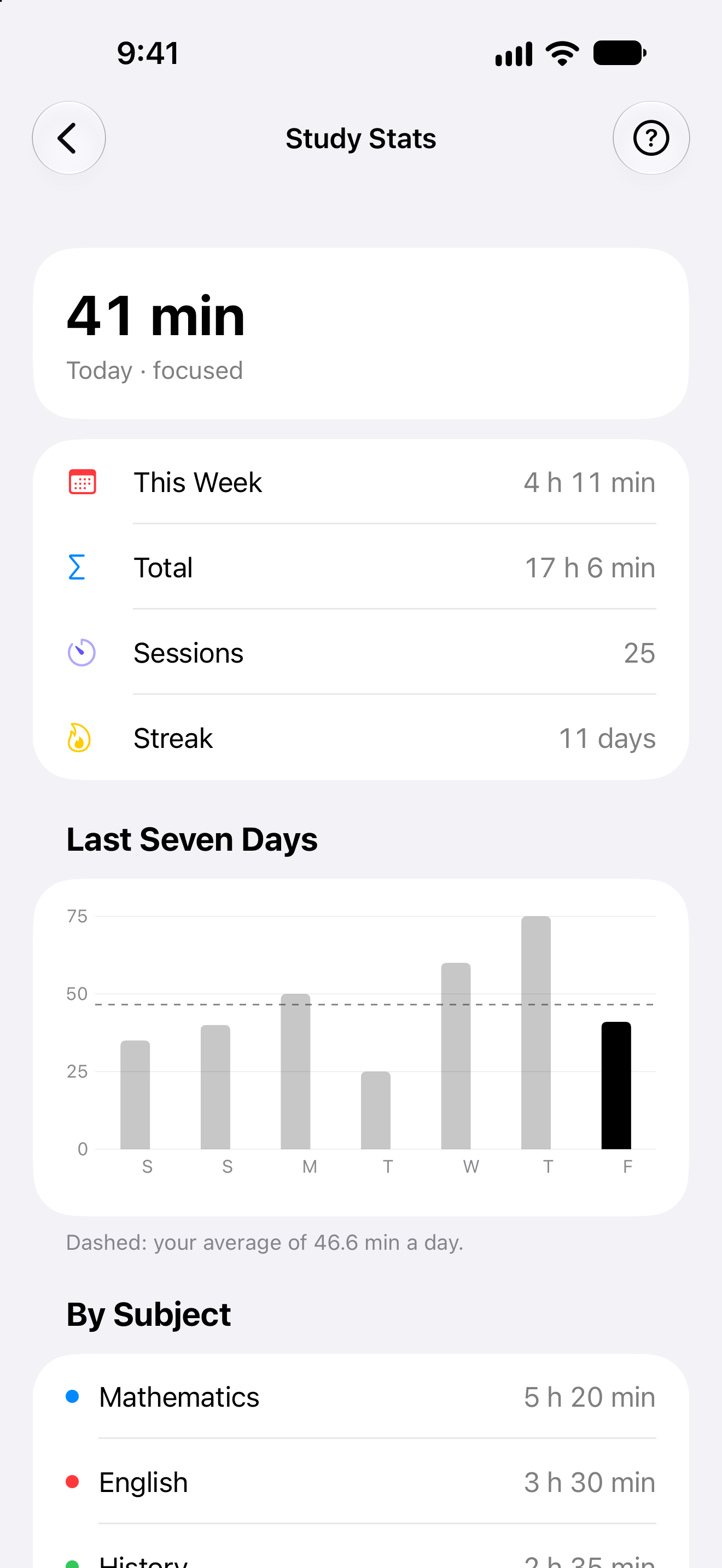
After working, Lea looks at her recorded session. History shows what it was connected to, while statistics can bring several days together. She uses the recorded periods to estimate the next part of her model. A short block can be found again just like a longer session. Looking back gives her next timing decision something specific to build on.
Fictional person and everyday situation, illustrating the functions described. AI-created editorial photograph.
A closer look
A session from a deliberate start to a useful record.
Choose an activity and the right timer
Focus begins with the activity and a suitable mode. Lea chooses a countdown for the drawing; Pomodoro and stopwatch are also available. A saved school assignment can provide the title when that is her starting point. She selects the block and deliberately begins, making clear what the session is for and how its timing is being recorded.
Give a manageable activity a deliberate beginning.
Pause and deliberately resume
A running session can be paused and resumed. When Lea fetches a tool, the timer represents that interruption with its own state. On returning, she continues the same block with its context intact. She can also end the session when her intention changes. The controls follow the actual sequence of her work period.
The work block can handle an interruption without losing its context.
Live Activity on supported iPhones
Live Activity can show a running or paused session outside the open app, on the Lock Screen and in Dynamic Island on supported devices. Lea keeps the timing in view while working on the model. The display follows the timer’s state, with availability determined by her device and system settings.
Keep the session within reach while staying with the activity itself.
Find sessions with their context
Recorded sessions carry their date, duration and saved context. Where a subject or learning material is linked, history can retain that relationship. Lea can recognise the work when she returns later, place individual sessions in the context of their days and see which recorded work periods belong to the undertaking she is working on.
Recognise what the recorded time was connected to when you return later.
Statistics for the next plan
With suitable access, recorded Focus time can be viewed by day and period, including subject breakdowns where that context was saved. Lea sees the scale of the work blocks she recorded. For the next drawing, she can use that history to choose a suitable duration. Statistics bring her own session record into the next planning decision.
Base your next time estimate on recorded sessions as well as your intention.
Your next step
Make time for your intention.
Start with the functions included in Free. Compare the plans when you want to go further.