
Your own recordings. Or an audio file.
Begin with a thought you want to keep, or deliberately import an audio file. Record other people only with the necessary permission.
Voice Notes
The idea on your way home. A conversation worth returning to. Keep the words, find their meaning and choose the next step — with the source still close.
Recording and local transcript tools · Optional text AI with an eligible plan and permission
The details you can return to
A place mentioned in a conversation can appear beside the relevant note. Open its source, check which place you mean and choose it deliberately. A place does not need an invented appointment.
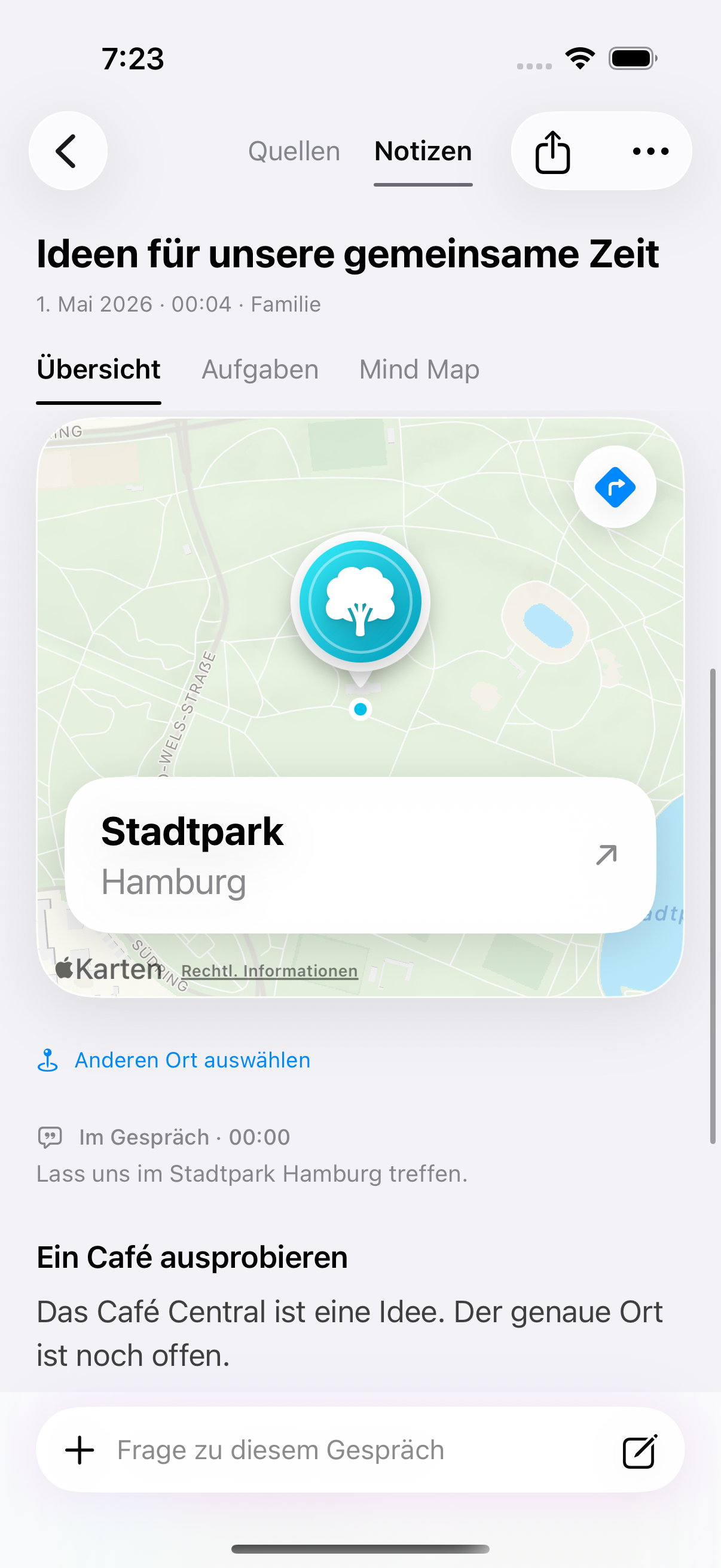
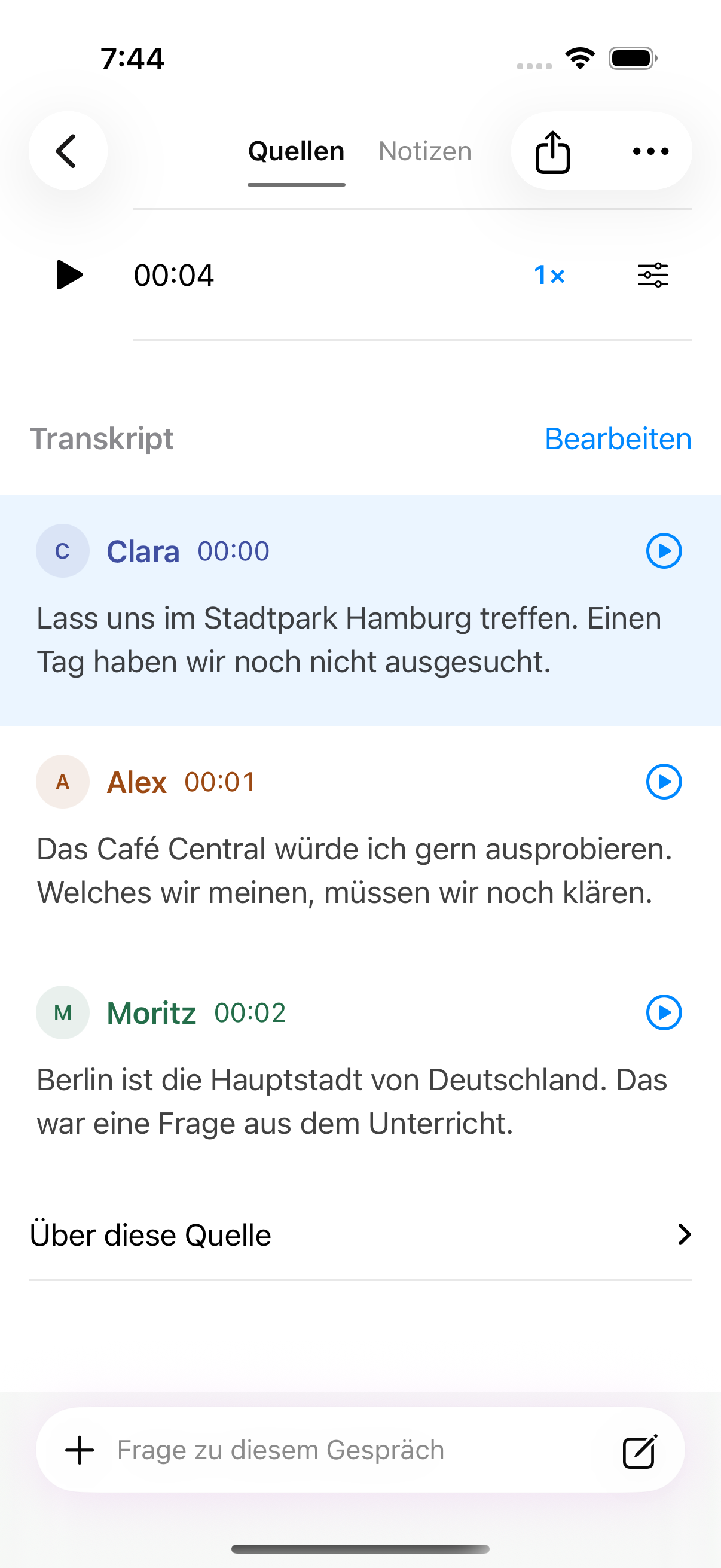
Original app details · 13 September 2026 · German UI with synthetic example data and prepared speaker labels. Cloud speaker separation is not yet released.
From a thought to a next step
Explore one short project conversation. Move from the transcript to a prepared summary, then review a next step. The words behind it stay close.
The words you started with
Interactive website illustration with a fictional conversation and prepared results. No recording or AI request is made here. In Clarity, transcription and AI availability depend on the device, plan, service and permissions.
The source stays in the story
A summary should help you understand, not make you guess. Open the passage behind a point, check the transcript and return to the original when a detail matters.
A proposed action is a draft. Review names, content and dates before you keep it in another part of Clarity. An unclear time stays a question for you to resolve.
See how Projects keeps its sourcesThought through, from the start
Begin with a thought you want to keep, or deliberately import an audio file. Record other people only with the necessary permission.
Search the words, correct the text and export it. Local Apple Speech recognition depends on your device and language. Unavailable local recognition never silently sends your audio to the cloud.
With an eligible plan and permission for the recording, optional text AI can answer questions about its transcript. Review the cited passages and any uncertainty in the answer.
Return by day, search, or filter recordings such as meetings, lectures and those with actions or study material. Your recordings stay in your own account’s protected library.
Local transcription and text AI are separate choices. Keeping AI off still leaves search, editing and export. Changing permission affects future processing for that recording.
Cloud transcription and speaker separation are not yet approved for release. They are not made available simply by choosing a paid plan.
Your next step
Start with the functions included in Free. Compare the plans when you want to go further.
Processing allowances apply monthly. Text AI requires permission for each recording. Cloud transcription and speaker separation are not yet released.
The monthly processing allowance and maximum length of an individual recording are separate limits. Family allowances apply to each member’s own library.
| Plan | Processing minutes / month | Maximum minutes / recording |
|---|---|---|
| Free | 60 | 30 |
| Plus | 600 | 180 |
| Family | 600 | 180 |
| Teacher | 1,800 | 300 |
Local transcription needs compatible Apple Speech support. Paid text AI additionally needs service availability and recording-specific permission. Cloud audio and speaker separation remain unavailable pending release approval.